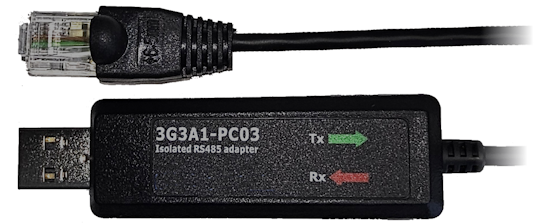
If the 3G3A1-PC03 USB-RJ45 cable isn't recognized in Windows, go to the Device Manager,
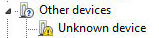
search for an unrecognized Serial Device (something like this:):
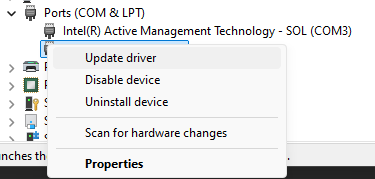
Right-click the Unknown (Serial) device and select 'Update driver':
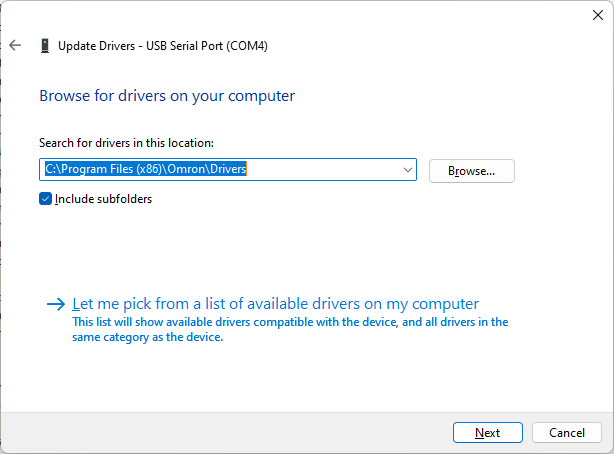
Select 'Let me pick from a list of available drivers on my computer, browse to
C:\Program Files (x86)\Omron\Drivers and check the 'Include subfolders' checkbox.
Press the Next button and the driver will be installed.
Was this article helpful?
That’s Great!
Thank you for your feedback
Sorry! We couldn't be helpful
Thank you for your feedback
Feedback sent
We appreciate your effort and will try to fix the article