This guide shows how to connect an Omron 3G3M1 multi-function compact inverter to an NX-series safety controller with hardwired safety signals. It covers both the standard version (3G3M1-STD) and the EtherCAT version (3G3M1-ECT). It is a quick-start for electrical engineers and others who design, commission or maintain control systems in Sysmac Studio.
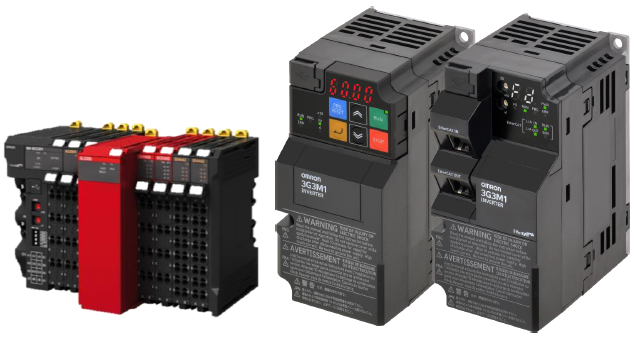
The guide covers these steps:
- Wiring: connecting SF1/SF2 and the EDM feedback between the inverter and the NX safety I/O units (here on an NX-ECC203 coupler). The inverter’s DIC terminal must share the 0 VDC reference of the same 24 VDC supply.
- Inverter settings: setting both SW9 switches to OFF to enable the hardwired STO terminals, and setting parameter E20 to 102 so output DO1 works as the EDM signal.
- Safety units: adding the safety CPU (NX-SL3300) and safety I/O units (NX-SIH400, NX-SOD400) in Sysmac Studio, then setting up the EDM feedback, a reset switch with test pulse and a dual-channel emergency stop. Outputs So00/So01 drive SF1/SF2.
- I/O Map: naming the safety variables. A dual-channel device gets a single variable.
- Programming: generating an example safety program with Sysmac Studio’s automatic programming function.
The guide also includes Omron’s standard safety precautions and terms of use. For full details it refers to the related manuals: W504, I589, I669, I670, Z930 and Z931.
Was this article helpful?
That’s Great!
Thank you for your feedback
Sorry! We couldn't be helpful
Thank you for your feedback
Feedback sent
We appreciate your effort and will try to fix the article