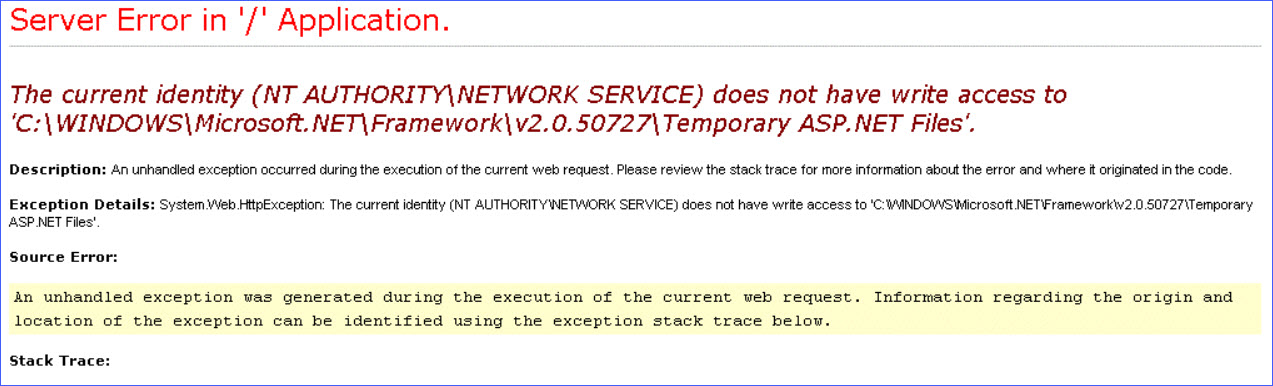
Accessing a web page may generate error "The current identity (NT AUTHORITY\SYSTEM) does not have write access to 'C:\Windows\Microsoft.NET\Framework\v2.0.50727\Temporary ASP.NET Files'.". For example this might be during access of CX-Supervisor Web Server pages:
Solution
This error is caused by user access rights preventing this folder from being created. To solve, simply open Windows File Explorer, navigate to the 'C:\Windows\Microsoft.NET\Framework\v2.0.50727' folder and manually create the missing Temporary folder. The error should then be resolved.
Was this article helpful?
That’s Great!
Thank you for your feedback
Sorry! We couldn't be helpful
Thank you for your feedback
Feedback sent
We appreciate your effort and will try to fix the article