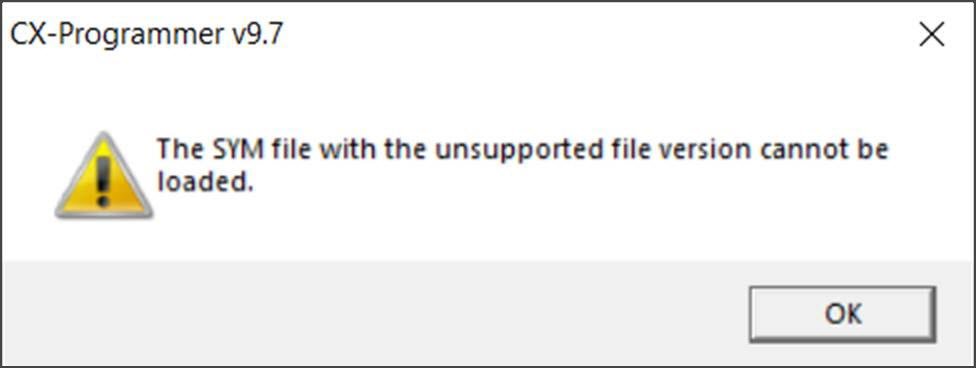
CX-Programmer may display the following error when uploading a project:
Cause:
A possible cause of this error is the project includes data types not supported by the chosen PLC model. For example TIMER,COUNTER and Structure types are only supported only by the CJ2 and not by CJ1 or CP models. The illegal data types do not cause a problem during compile time or download, but prevent the appliction from being uploaded from the PLC.
Solution:
Remove or edit any Symbols of unsupported data types in the original project and re-download to the PLC.
Was this article helpful?
That’s Great!
Thank you for your feedback
Sorry! We couldn't be helpful
Thank you for your feedback
Feedback sent
We appreciate your effort and will try to fix the article