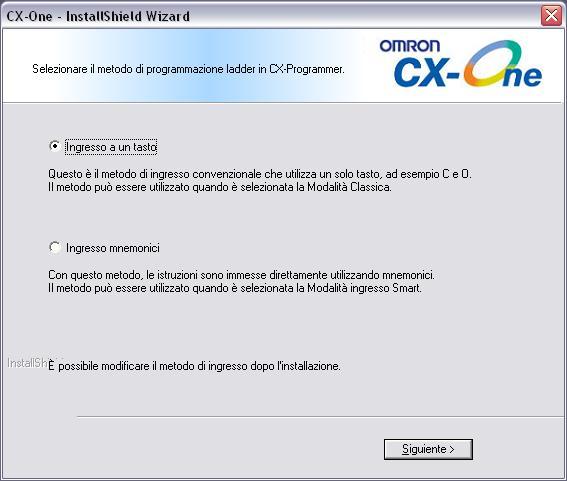
When installing CX-One in Spanish language, one of the screens could be shown in Italian by mistake.
Italian screen shown:
Correct translation of Spanish screen:
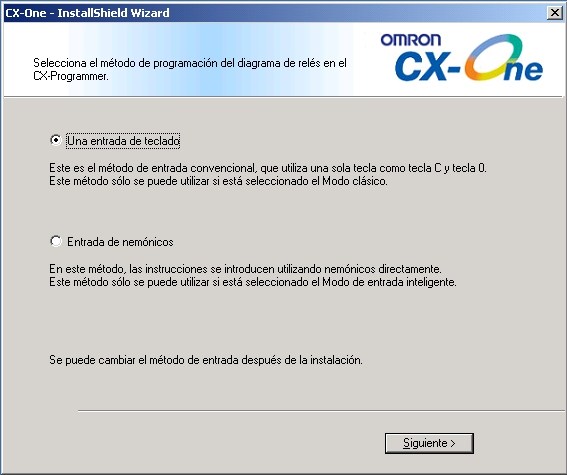
This dialog only affects the default Input mode for CX-Programmer so can be easily changed after installation by launching CX-Programmer and selecting between "Classic Mode" and "Smart Input Mode".
This issue only affects CX-One version 4.03 manufactured from January 2010 to April 2010 and only when installing in Spanish. No other languages are affected.
Was this article helpful?
That’s Great!
Thank you for your feedback
Sorry! We couldn't be helpful
Thank you for your feedback
Feedback sent
We appreciate your effort and will try to fix the article