Objectives
Introduction
When using STRING Data Type on Sysmac NJ with HB HMI, please note the following restrictions:-
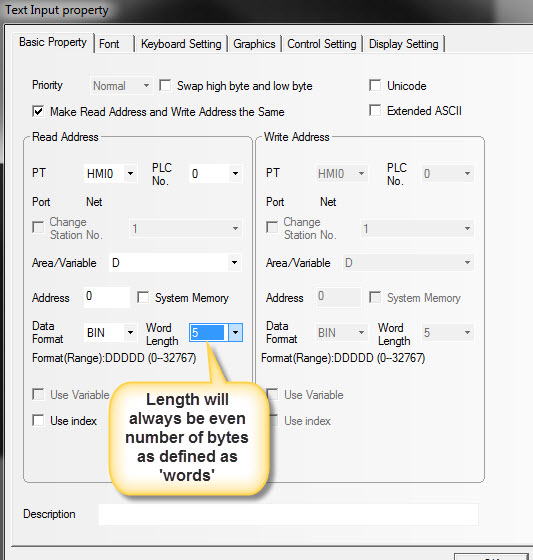
The NB ‘Text Display’ and ‘Text Input’ ‘parts’ enable a user to display and enter STRINGs. However, the NB HMI will always pad any remaining characters with the space character (ASCII - 0x20, or 32 Decimal).
The Sysmac NJ terminates its strings with a NULL (ASCII 0x00) character. This is the ‘c’ standard of termination for STRINGs.
The length of an NB String can only be defined as a number of words in length – meaning that the length of the data will always be an even number of characters.
If the Sysmac NJ variable is made to exactly the same number of characters as the NB, then it will fail to read correctly in the NJ. This is because there will be a runtime fault due to there being no NULL terminator. Sysmac NJ must see a NULL to know where the STRING is terminated. Therefore always define the STRING in the Sysmac NJ one byte longer than defined in the NB.
Content

Summary
For more detail
See attached document.
Was this article helpful?
That’s Great!
Thank you for your feedback
Sorry! We couldn't be helpful
Thank you for your feedback
Feedback sent
We appreciate your effort and will try to fix the article